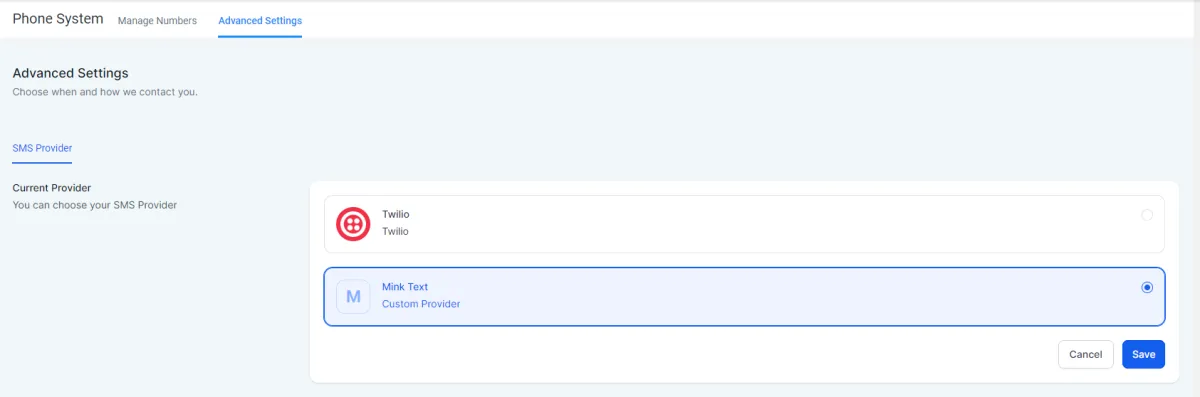
How to install Mink Text to a subaccount?
Do this on desktop (not a mobile device)
Go to app.minktext.com.
Then click "Sub-Accounts".
Now, click "Connect" to select the subaccount where Mink Text should be installed.
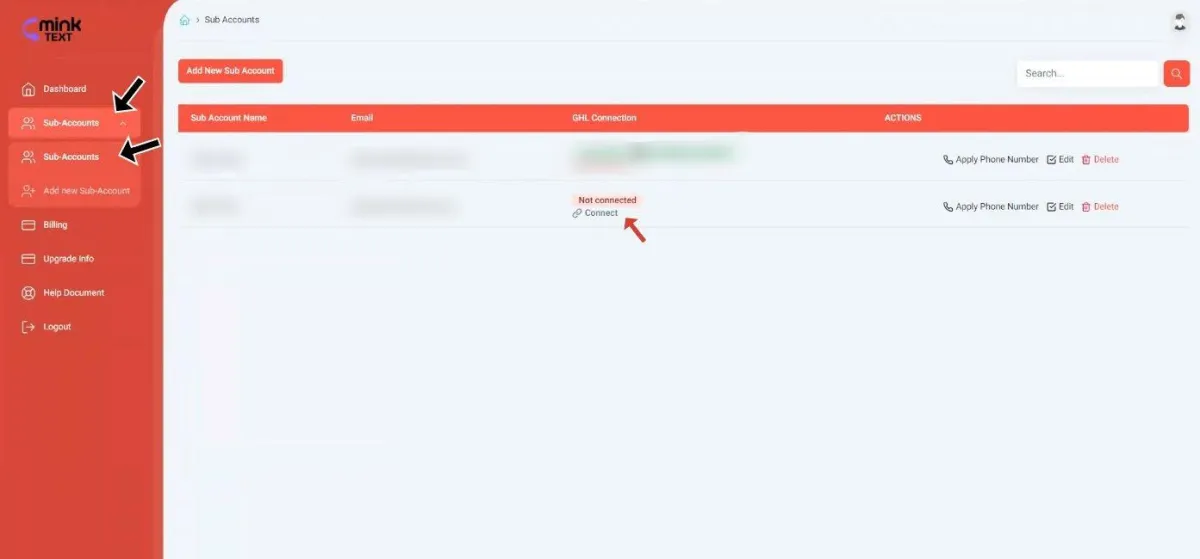
Once you clicked Install button this will then ask you to choose to which subaccount you want Mink Text to be installed to and make sure to choose the correct subaccount of the client who signed-up for Mink Text.

Then make sure the box is ticked for Mink Text SMS and then click proceed.
Go to the subaccount of the client and access Settings.
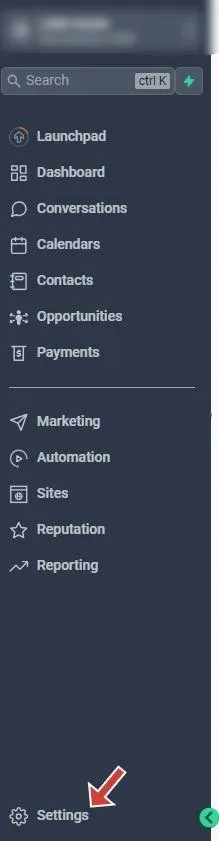
Then click Phone Numbers and click Advanced Settings, after that click Mink Text and hit Save to finalize the integration.